UI/UX Design by PixyGrid Bengaluru
Services UI/UX Design

Design That
Guides. Converts.
Delights.

Good design is not about how it looks. It is about how it works. We design interfaces rooted in real user behaviour, tested for friction, and refined until every interaction feels effortless.

ServiceUI/UX Design
Tools We UseFigma · Adobe XD · Maze · Hotjar · Miro · Zeplin · Principle · Lottie
Industries ServedSaaS · Fintech · Healthcare · E-commerce · EdTech · Mobile Apps
Engagement ModelMonthly Retainer or Project-Based
UI/UX Design
Service Overview

Every Click Should
Feel Inevitable.

Most UI problems are actually UX problems in disguise. Users do not abandon apps because the buttons are the wrong colour. They abandon because they cannot find what they need, the flow confuses them, or the cognitive load is too high. We fix the root, not the symptom.

Our process starts with research: user interviews, behaviour analysis, competitor audits, and heuristic reviews. We build from evidence, not assumption. Every design decision has a reason behind it, and we can articulate it.

Whether you are building a new product from scratch, redesigning to reduce churn, or need an audit to identify where you are losing users, we bring the same rigour to every brief.

Start a Project See Our Work
What's Included

Six Disciplines,
One Design Team

01

User Research & Journey Mapping

Interviews, surveys, session recordings, and analytics review to understand how real users think and behave. Empathy maps and journey maps that ground every design decision.

02

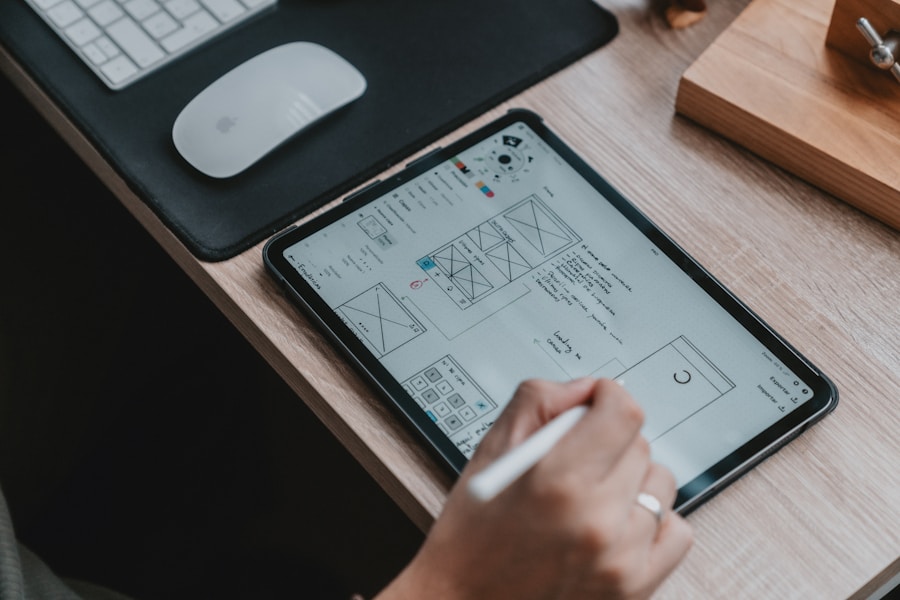
Wireframing & Information Architecture

Low-fidelity wireframes mapping every screen, every flow, and every edge case before a single colour is chosen. Structure before style.

03

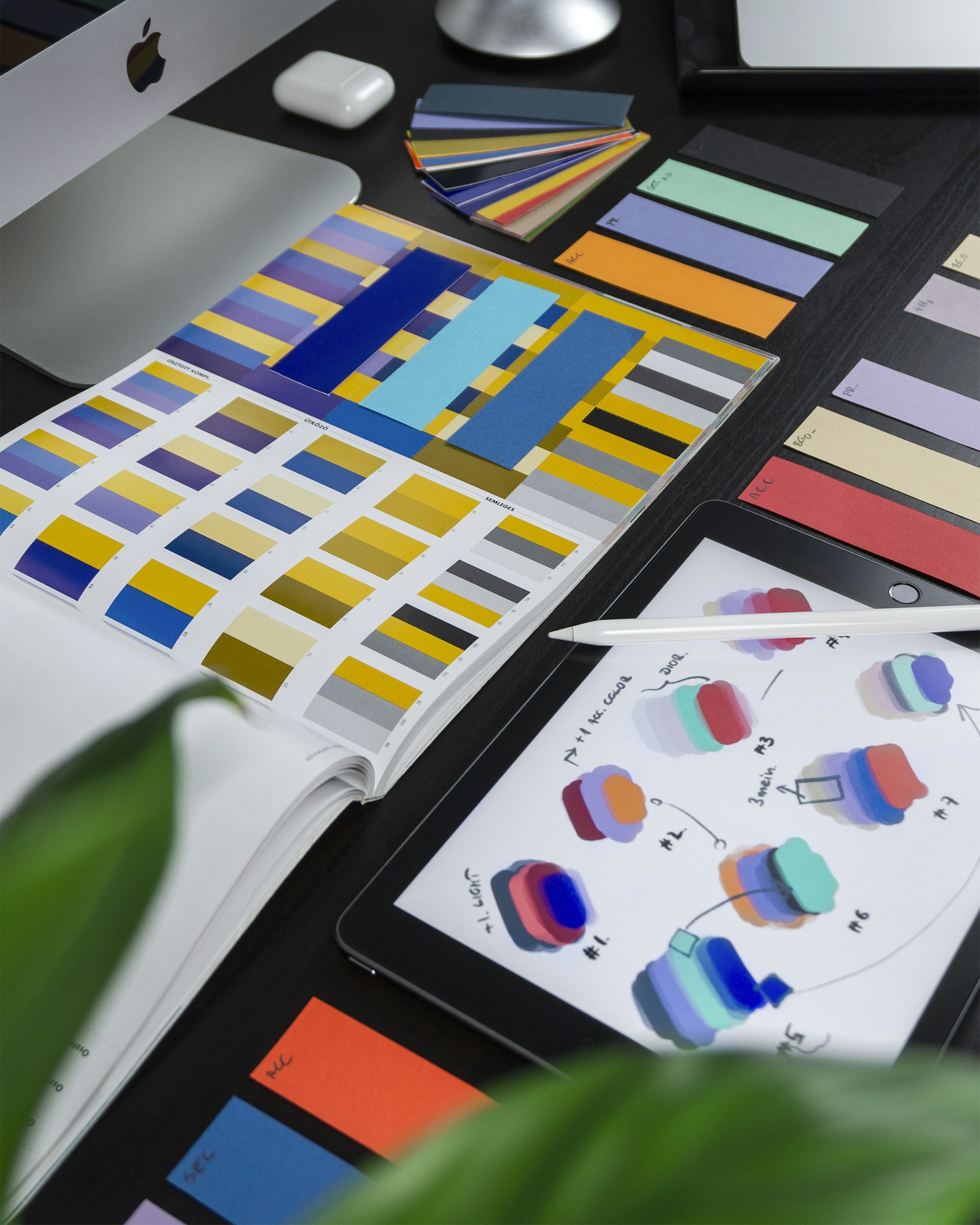
UI Design & Visual Systems

High-fidelity UI design with full component libraries, spacing systems, typography scales, and colour systems. Delivered in Figma with developer-ready specs.

04

Interactive Prototyping

Clickable, animated prototypes realistic enough to run usability tests, present to investors, or get developer handoffs right the first time.

05

Usability Testing & Iteration

Moderated and unmoderated testing with real users. We identify friction points, measure task completion, and iterate based on evidence, not opinion.

06

Design Audits & UX Consulting

Structured review against UX heuristics, accessibility standards, and conversion best practices. Deliverable: a prioritised list of what to fix and why.

By the Numbers

Design That Moved
the Numbers

Real numbers from real projects. Every stat is based on actual client outcomes, not projections.

38%
Reduction in onboarding drop-off
Across PixyGrid UI/UX projects
+67%
Task completion rate improvement
After UX audit and redesign
2.1x
Increase in time-on-app
Post-redesign average session duration
4.8
App Store rating achieved
Up from 3.2 after UX overhaul
How We Work

Our Process

Every project runs through the same rigorous process. No shortcuts, no surprises.

Step 01

Research & Discovery

User interviews, analytics audit, competitor UX review, heuristic evaluation. We learn before we design.

Step 02

IA & Wireframing

Information architecture, user flows, and low-fidelity wireframes signed off before visual design begins.

Step 03

Visual Design & Prototype

High-fidelity UI, component system, and interactive prototype for testing and developer handoff.

Step 04

Test & Refine

Usability sessions, iteration rounds, developer handoff with full Figma specs and documentation.

Why PixyGrid

Designers Who Start With Why,
Not What It Looks Like

We are not the biggest agency. We are the one that cares most about your outcome.

Research Before Pixels

We do not open Figma until we understand the users, the flows, and the business goal. Design without research is decoration.

Evidence-Based Decisions

Every layout choice, every component, every micro-interaction is rooted in user research or tested against real users. No guesswork.

Designed for Developers

Our Figma files are developer-ready: named layers, auto-layout components, design tokens, and detailed annotations. Handoff is clean.

Accessibility as Standard

WCAG 2.1 AA compliance, colour contrast checks, keyboard navigation built into every design, not added later.

Going Deeper

Straight Answers
to Hard Questions

Not sure where to start or what to expect? Here is an honest look at how we approach the work.

Ask Us Directly
What is the difference between UI and UX design?
UX is how it works: research, information architecture, user flows, and interaction design. UI is how it looks: visual layout, colour, typography, and component design. The best results come when both are handled by the same team with the same understanding of user goals.
Do you design for both mobile and web?
Yes. All designs are produced for both mobile and desktop with responsive behaviour defined in the design system. We use Figma auto-layout and component variants to cover all screen sizes systematically.
Can you work with our existing design system?
Yes. We regularly audit, extend, and improve existing design systems rather than replacing them. If you have a partial system, we build on it.
Do you conduct user testing, or is that separate?
User testing is included in our full UX engagements. We recruit participants, run sessions, synthesise findings, and iterate. Standalone testing on existing designs is also available.
Client Feedback

What Our Clients
Actually Say

"

Sura Susso carries the Griot tradition across continents. The website needed to match that richness — biography, events, albums, gallery, all accessible to audiences with no prior knowledge of the tradition. PixyGrid nailed it.

Sura Susso
World Musician, The Gambia / International
UI/UX DesignWeb DevelopmentCreative Direction
"

HeiBuddy is voice-first AI connecting users to 300+ services. The UX challenge was making something that complex feel effortless. PixyGrid designed flows that reduced friction at every step.

HeiBuddy AI Team
AI Technology, Bengaluru
UI/UXWeb DevelopmentMobile
"

PixyGrid provided UI direction that made Croire's technical complexity feel like a premium product story. Every section was structured to serve two very different readers simultaneously.

Croire Paints
Nanotechnology Coatings, India
UI DirectionContent ArchitectureBrand
FAQ

Questions
Worth Asking

If your question is not here, just ask. We respond to every inquiry personally within 24 hours.

Ask a Question
How long does a UX design project take?
Full UX engagements run 6 to 10 weeks from research to final handoff. Standalone audits take 1 to 2 weeks. UI-only projects run 3 to 5 weeks.
Do you design in Figma?
Yes. All work is done in Figma and delivered with developer-ready specs, auto-layout component libraries, and full documentation.
Can you redesign an app without disrupting users?
Yes. We design changes systematically and phase them in gradually, flagging high-risk changes and recommending A/B testing before full rollout.
Do you offer accessibility audits?
Yes. We assess against WCAG 2.1 AA standards and provide a prioritised remediation report.
Can you work alongside our development team?
Yes. We regularly act as a design partner to in-house teams, attending standups, answering design questions in real time, and iterating based on technical constraints.
Related Work

Projects From
This Practice

Explore More

Other Services
You Might Need

Ready to Fix
What's Losing You Users?

Share what you are working on and we will tell you where the biggest UX problems usually live in products like yours.

Book a Strategy Call